 JayNest
The Web App
- Browser
At app.jaynest.app, you have the same catalog on your computer as on your phone, from your JayNest account. A large screen makes it easy to sort things out, describe items and print labels for whole cabinets.
In the Browser
- Go to
app.jaynest.appand sign in with your JayNest account: with your email and password, Sign in with Apple or Sign in with Google. Don't have an account yet? Click Create Account. - On your own computer, you can check Keep me signed in on this computer. On someone else's computer or a work computer, leave it unchecked.
- The menu on the left has Rooms, Home inventory, Labels to Print, Categories, Account and Trash, with the search box above them.
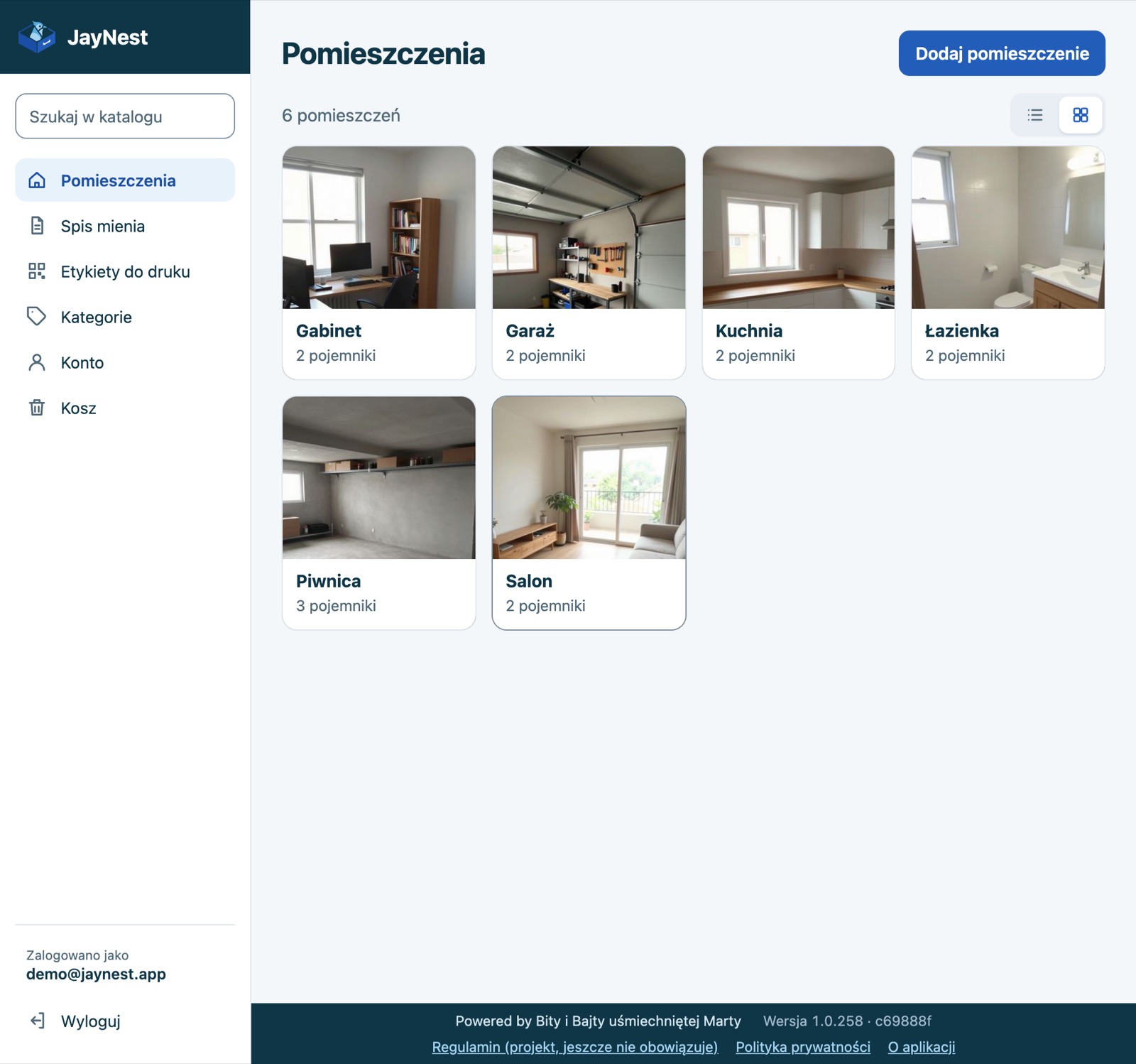
- Click a room or container to see what's inside. You add an item with Add Item, and you move something with Move in the ⋯ menu or by dragging it onto another container in the list.
- You add photos with Add Photos or by dragging files from your disk onto the item's page. Drag the thumbnails to change their order; the first photo is the main one.
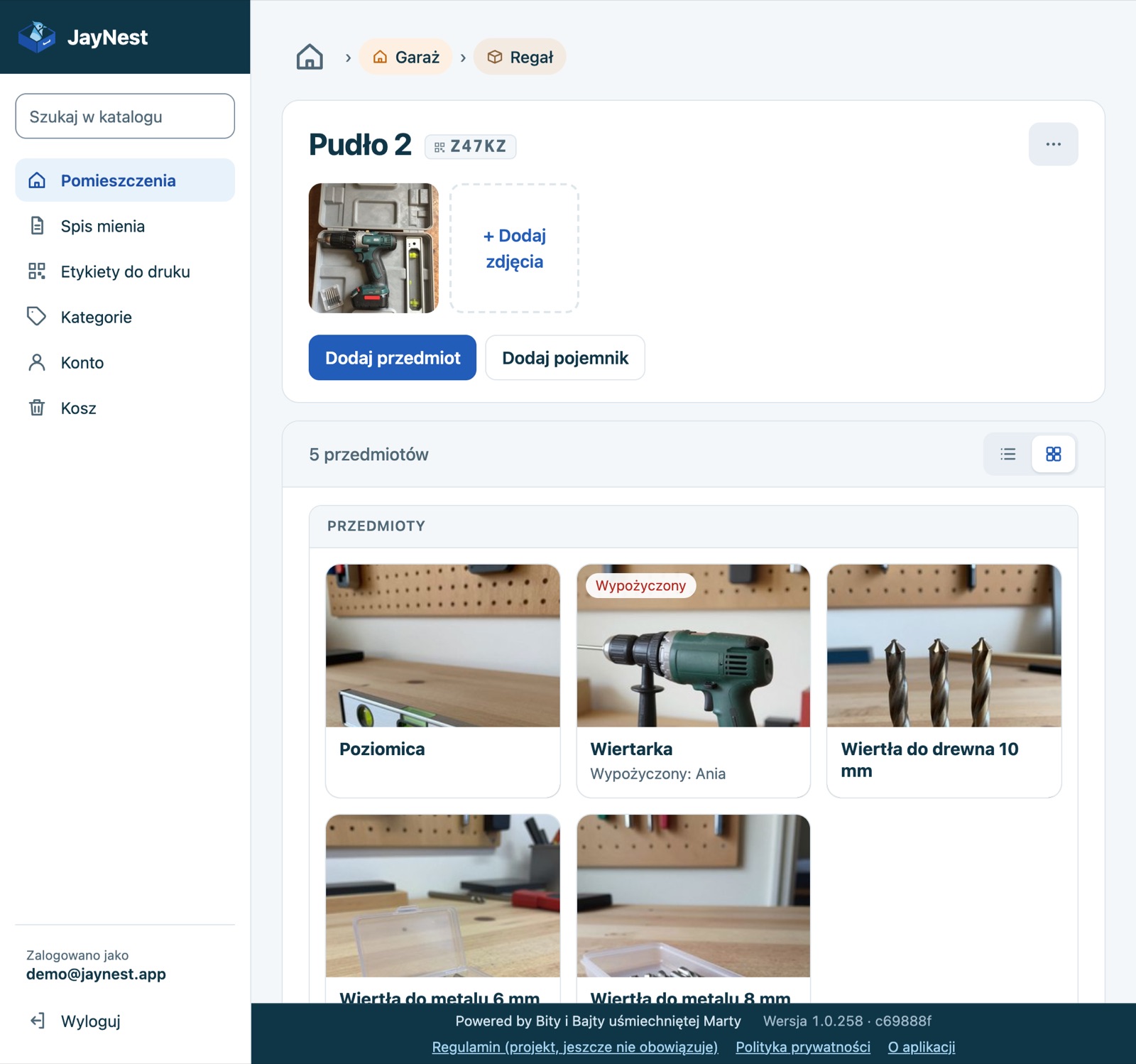
- You can print labels for a whole cabinet on an A4 sheet: in a container, click ⋯ (More actions) → Print labels, or click Labels to Print in the menu on the left.
Good to Know
- Everything you change in the browser shows up on your phone after syncing, and the other way around (Sync between phone, tablet and browser).
- The web app works only with an account and doesn't save your catalog on your computer's disk (Where is my data?).
- Scanning labels, the Needs Attention tab and the weekly summary are in the phone app.
- On a phone,
app.jaynest.appshows a note that JayNest on a phone is an app instead of the catalog. On an iPad, it works normally in the browser. - The page language follows your browser's language: Polish, English, Japanese or German, and English in every other case.
- More about printing: How to print labels for a whole cabinet on an A4 sheet and Home Inventory for your insurer.