 JayNest
Syncing Between Phone, Tablet and Browser
- iPhone and iPad
- Browser
With a JayNest account, your catalog, photos included, syncs between your devices: your phone, your iPad and the web app. Changes are sent automatically, and without internet they wait until the connection is back.
On iPhone
- Sign in with the same account on every device, including your iPad: Settings → JayNest Account (Do I need an account?).
- After that, there's nothing more to do. The app sends your changes a few seconds after each change, fetches new ones when it starts and when you return to it, and every few minutes while it's open.
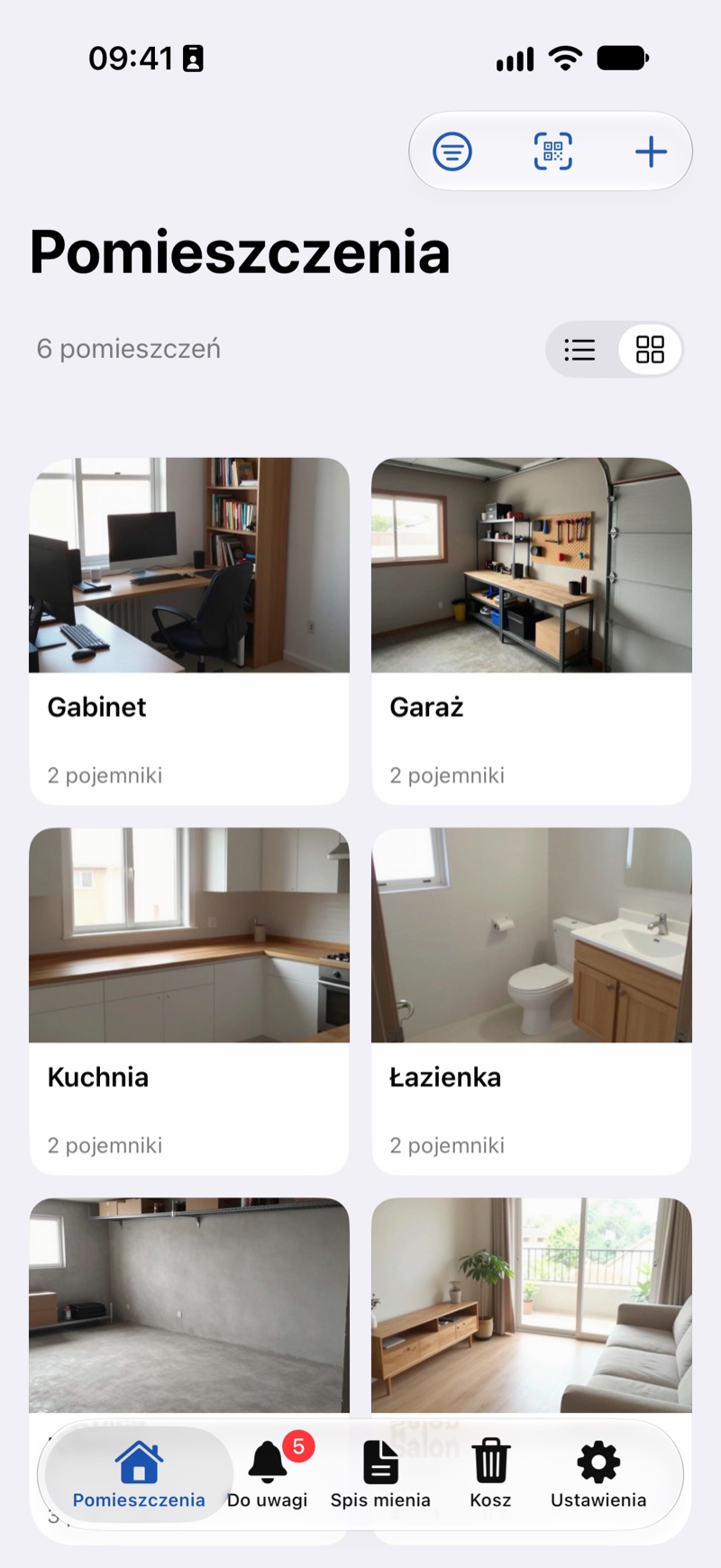
- To fetch changes right away, pull the list down, e.g. on the Rooms screen. The account screen also has a Sync Now button, and Last Sync shows when the last sync happened.
- During longer work, e.g. when the catalog is sent for the first time or many photos are downloaded, a progress bar appears at the top of the screen. Don't close the app until it's finished.
In the Browser
The web app shows your catalog straight from your account, so there's nothing to sync. You'll see changes from your phone shortly, when you return to the JayNest tab or reload the page. Your phone fetches changes made in the browser at its next sync.
Good to Know
- Without internet, everything keeps working on your phone. Changes wait and are sent automatically when the connection is back. The account screen then shows Changes to Send.
- Photo files are uploaded and downloaded while the app is open, one at a time, after the catalog data. Photos in Transit on the account screen shows how many are still waiting. A photo that hasn't downloaded yet has a gray thumbnail for now.
- If you change different things in the same item on two devices, e.g. the name on one and the price on the other, both changes are kept. If you change the same field in two places, the change saved later is kept.
- The Trash syncs too: an item deleted on one device goes to the Trash on all of them, and an item restored comes back everywhere (Trash).
- Sync connects devices signed in with the same account.