 JayNest
Where Is My Data? (Privacy in Brief)
- iPhone and iPad
- Browser
JayNest works without an account, and then everything you enter stays only on your phone. An account is optional and is used for syncing. JayNest doesn't sell data, show ads or track you.
On iPhone
- Without an account, your rooms, containers, items, photos and settings are stored only on your phone. The app doesn't send them over the internet and keeps working in Airplane Mode too.
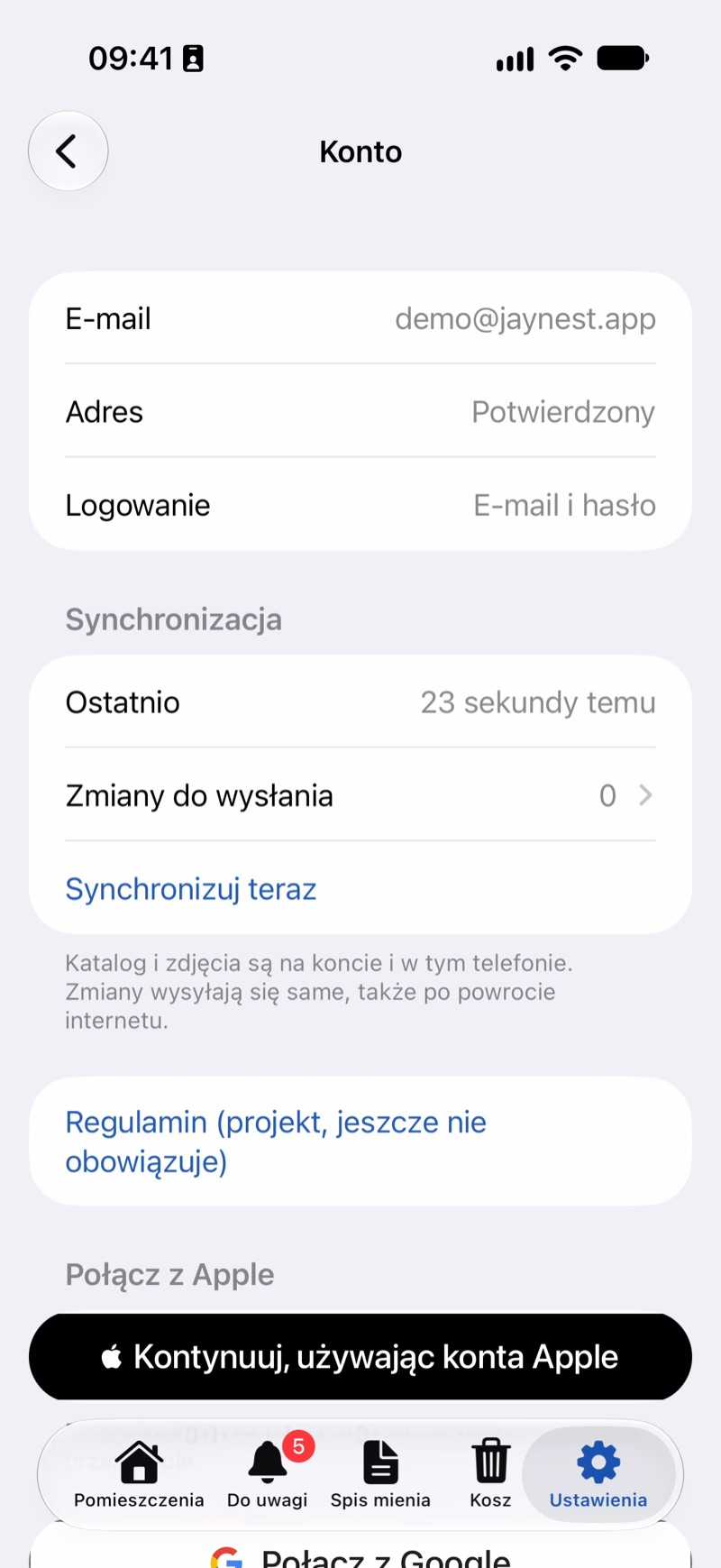
- With a JayNest account, your catalog and photos are also stored on a server in Germany, and photos and encrypted database backups in the European Union. That's how you see the same catalog on your other devices.
- Photo recognition runs on your phone and the photo never leaves it unless you turn that on yourself: Your Own AI Model sends photos to your own server, not to JayNest, and JayNest AI runs only after you tap "Recognize with JayNest AI" and give your consent; before you consent, the app shows what it sends and where. You set this in Settings → Photos & AI → Recognition.
- Translate Polish Text (with the Apple model on the phone) is off by default. Apple translates on your phone and the text never leaves it, but Apple may record usage statistics, without the content.
- Contacts: you choose the person you lend something to in the system window, and the app doesn't see your whole list. It saves only the name, phone number and ID of that contact. With an account, the name and number sync with your catalog; the ID stays on your phone.
In the Browser
- The app at
app.jaynest.appworks only with an account and shows the catalog from the server. The catalog is kept only in the memory of the open page; nothing is saved on your computer's disk. - After you sign in, the browser keeps two sign-in cookies that the app needs to work. If you don't check Keep me signed in on this computer, they disappear when you close the browser. Signing out deletes them along with the page's data.
- When you add a photo from disk, the browser first downsizes it and saves it again, without camera data such as where the photo was taken.
Good to Know
- A QR label is a link. Someone who scans it without JayNest sees the label page, but not what's in your catalog.
- Your phone's backup (iCloud or a computer) may include JayNest data if backups are turned on. You manage that backup yourself.
- You can send yourself a file with your account data, and delete your account together with the catalog on the server: Exporting your data and deleting your account. Deleted things wait in the Trash for 30 days, then disappear for good.
- Send questions about your data and requests, such as corrections, to info@jaynest.app from your account's email address.
- All the details are in the privacy policy.