 JayNest
“Needs Attention”: Warranties, Expiry Dates and Returns
- iPhone and iPad
The Needs Attention tab gathers everything you need to deal with in one place: expiring warranties and expiry dates, returns, items to repair and supplies running low. There's nothing to set up: the list is built from the dates and status entered in your items.
On iPhone
- Open the Needs Attention tab. The number on the tab tells you how many things are urgent: overdue, due within 7 days, and supplies running low.
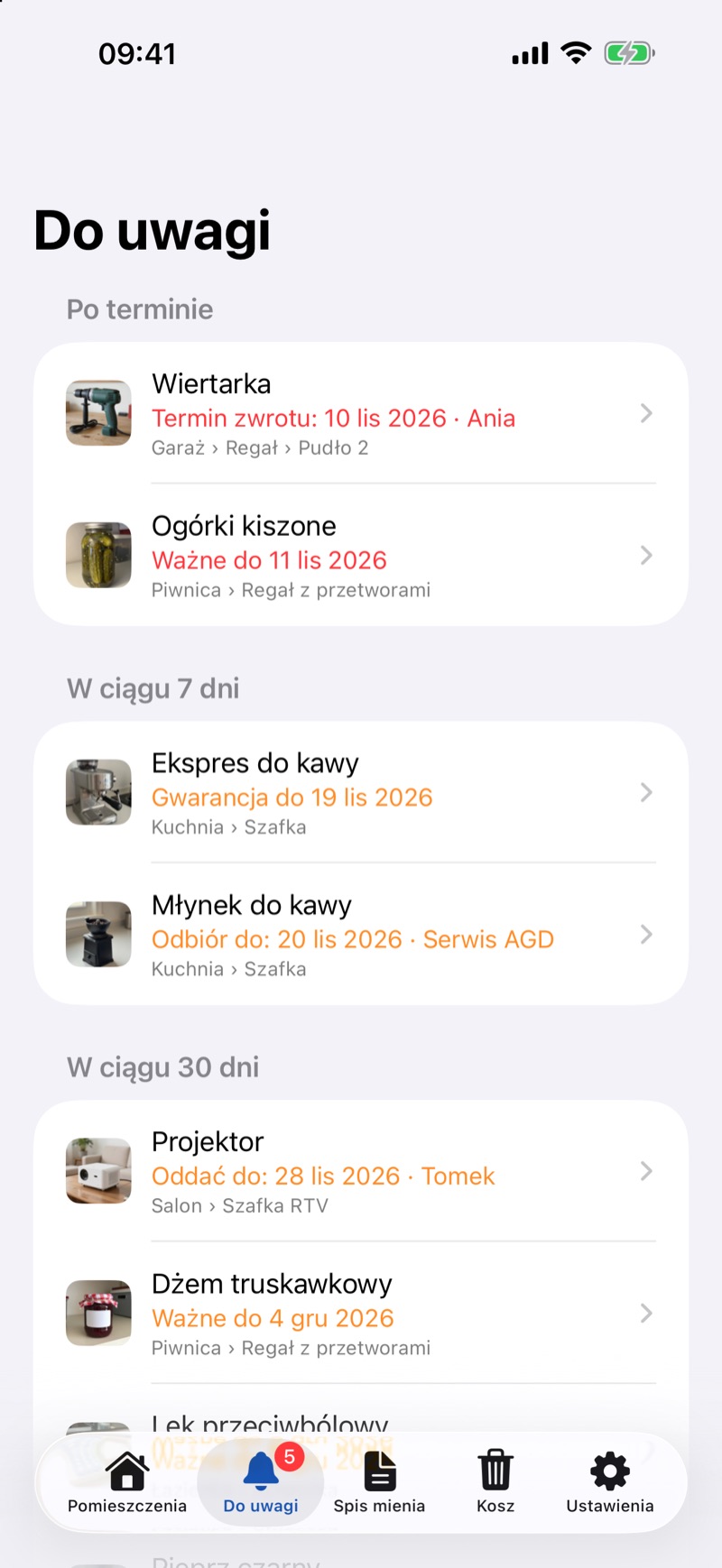
- Things are grouped into sections: Overdue, Within 7 Days, Within 30 Days, Needs Repair or In Repair, Lent Out and Borrowed and Running Low. Each row shows what it's about and where the item is. Tap a row to open the item.
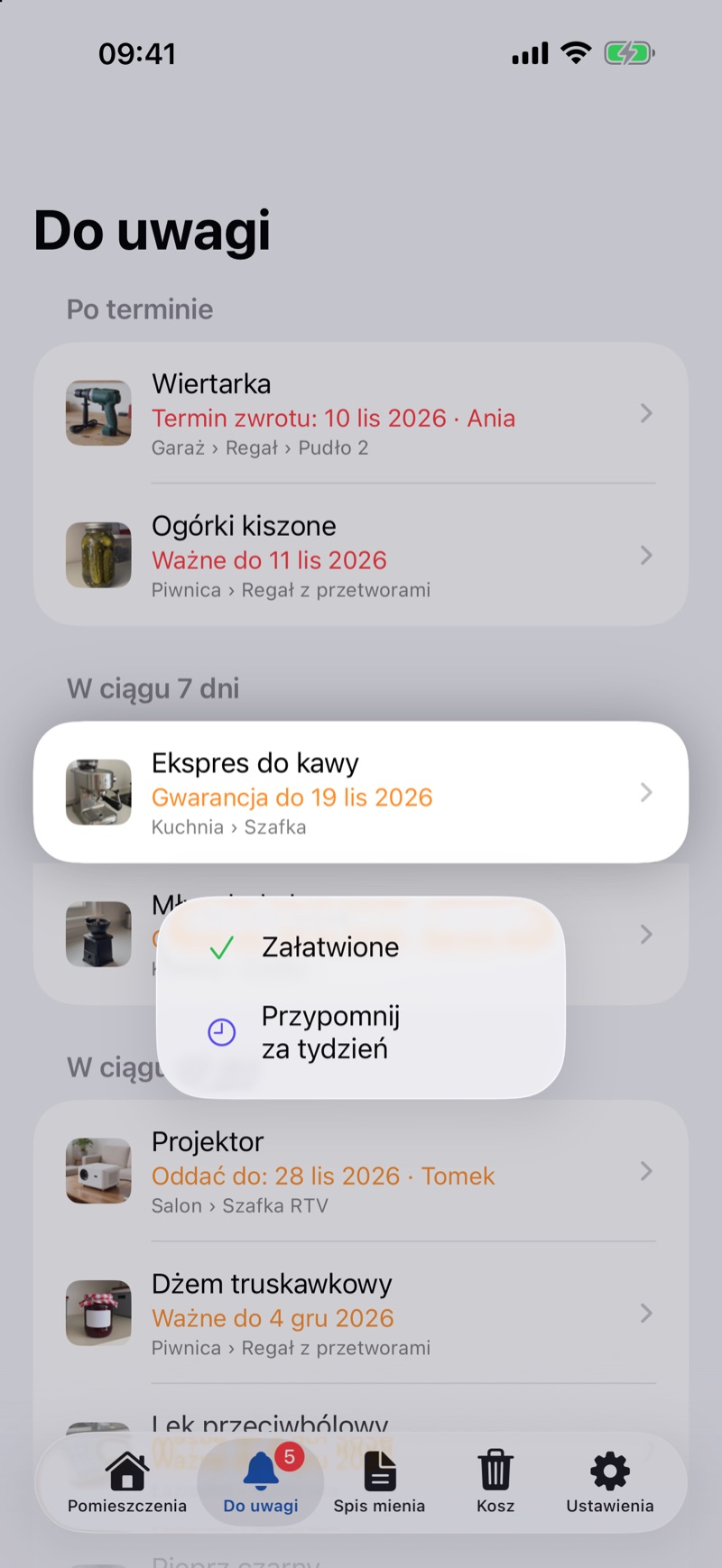
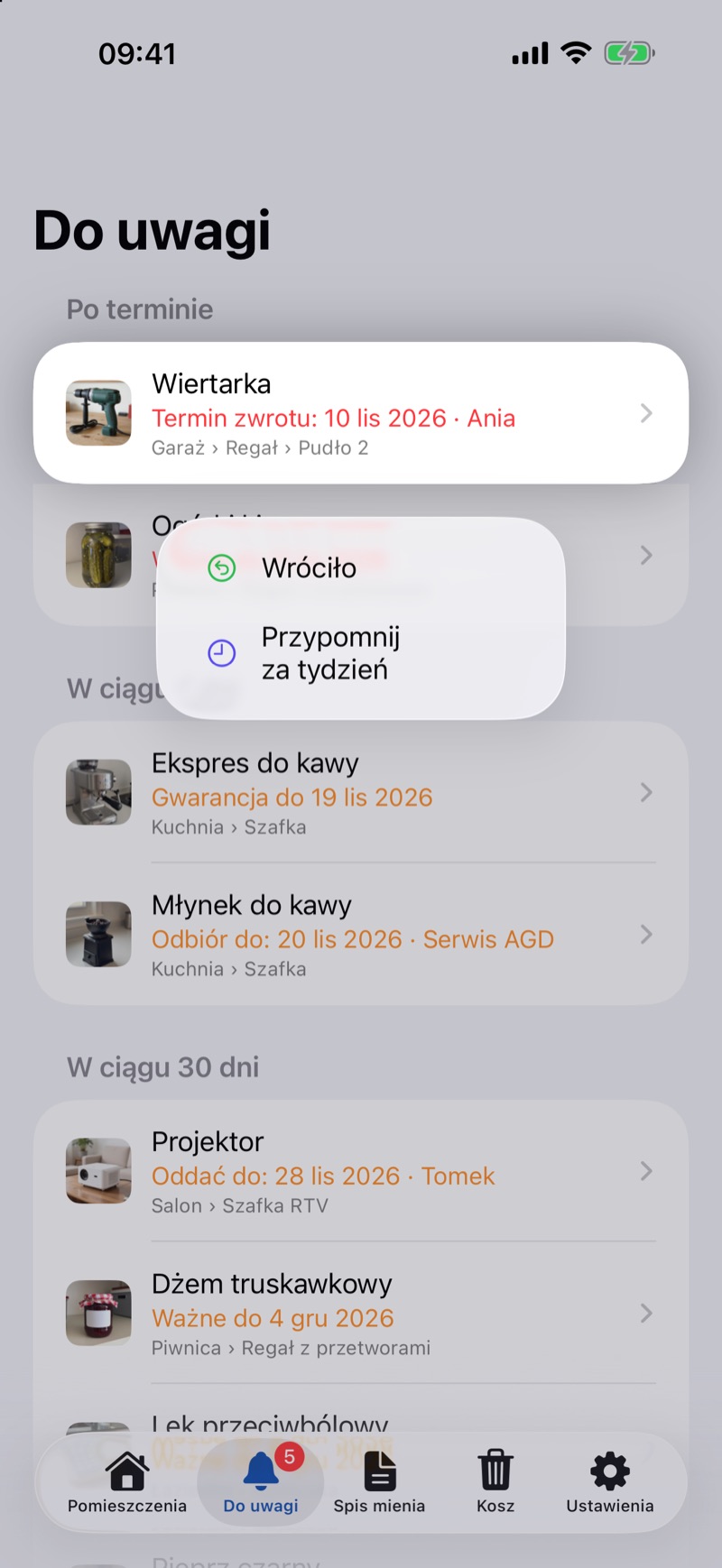
- To deal with something, swipe the row to the left (or touch and hold it) and choose:
- Handled for a warranty or expiry date,
- Returned for an item lent out or in repair, and Returned to Owner for an item you borrowed,
- Bought More for a supply running low,
- Remind Me in a Week to hide it for 7 days.
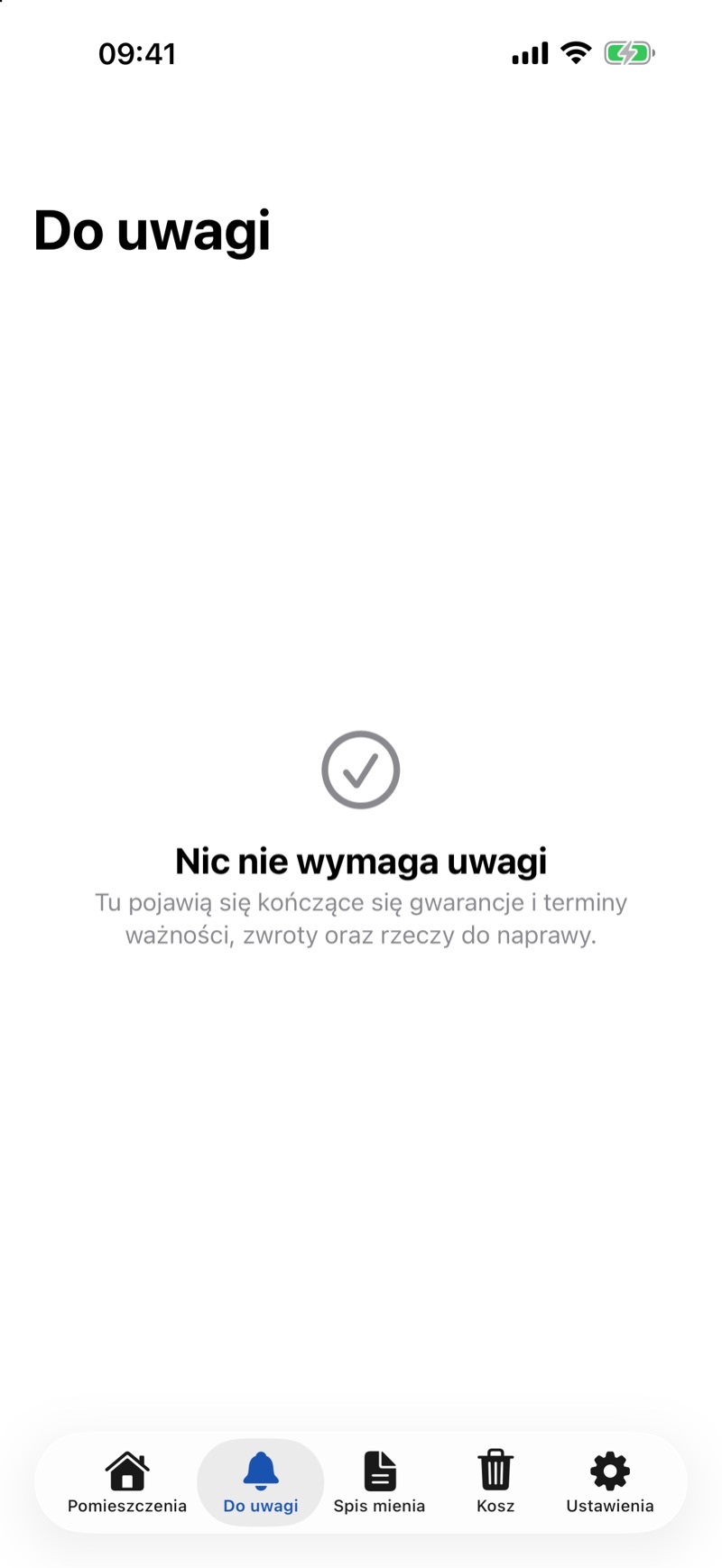
- When everything is done, you'll see Nothing Needs Attention.
Good to Know
- If you change a date in the item, e.g. extend the warranty or the return date, the entry comes back with the new date, even if it was handled before.
- An expired warranty stays on the list only for a while, 30 days by default. You can change this in Settings → Past Warranties. Expiry dates and overdue returns stay until you deal with them.
- Once a week, JayNest can send a notification with the things to deal with (Weekly summary).
- How to record who you lent something to is explained in Lending, and supplies running low in Supplies.
- The web app has no Needs Attention tab. Items still show markers, e.g. a warranty ending soon, and in search you can sort the results by nearest deadline (Search and filters).