 JayNest
Do I Need an Account? What Works Without One
- iPhone and iPad
- Browser
You don't have to create an account. Without one, JayNest works fully on your phone, even without internet, and your data stays only on that phone. A JayNest account is useful when you want the same catalog on several devices or in the browser.
Without an account, all of this works on your phone:
- the catalog: rooms, containers, items and photos,
- printing and scanning QR labels,
- recognizing items from photos on the phone, including with your own AI model,
- the Needs Attention tab, the weekly summary, Home Inventory and the Trash.
You need an account for:
- syncing your catalog and photos between your devices (Sync),
- the web app (The web app),
- JayNest AI, recognition in the cloud,
- downloading all your data from the server (Data export and deleting your account).
On iPhone
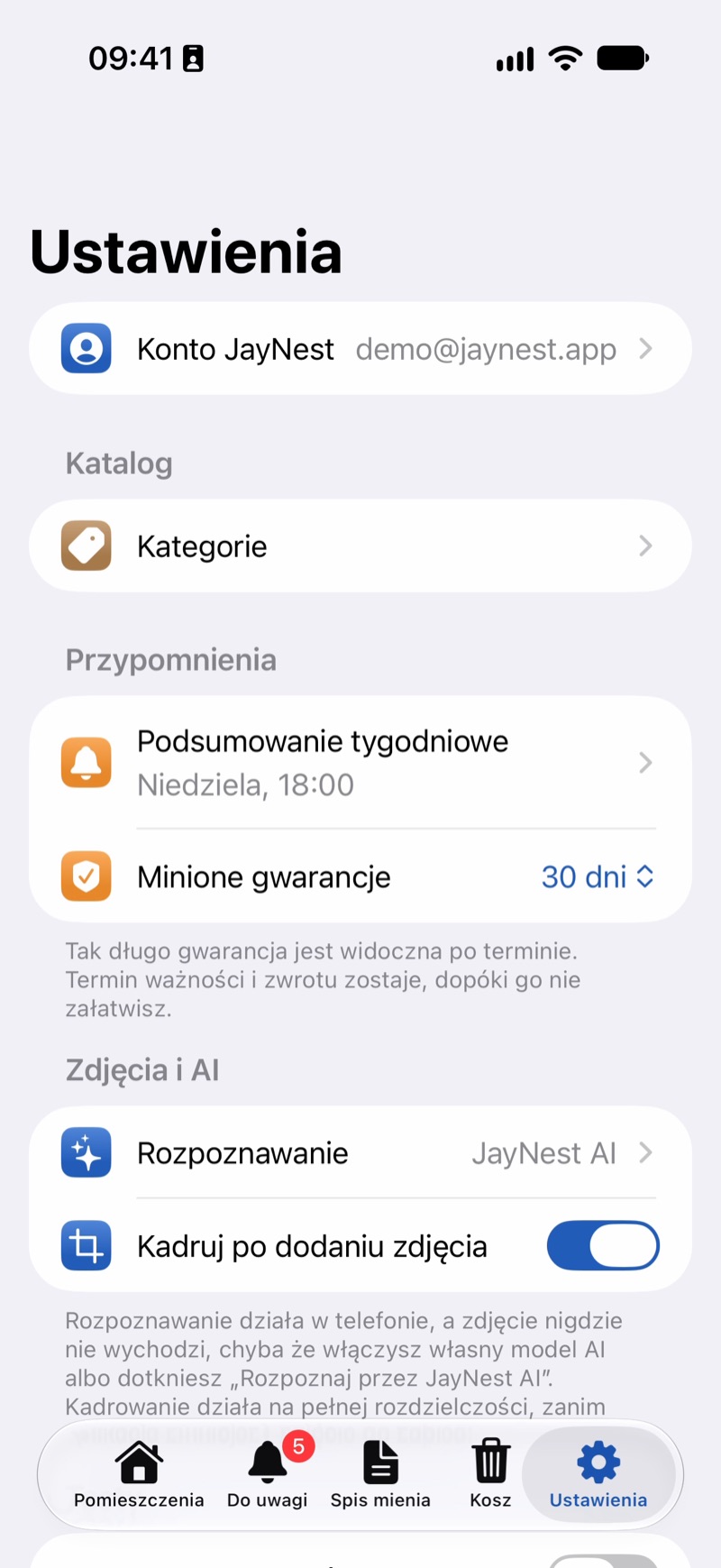
- Open Settings and tap JayNest Account. Until you have an account, it shows Sign In next to it.
- Choose how: the Apple button, Continue with Google or Email and Password. For a new account with email, choose New Account, enter your Email and Password (at least 8 characters) and tap Create Account. You'll get a confirmation link by email.
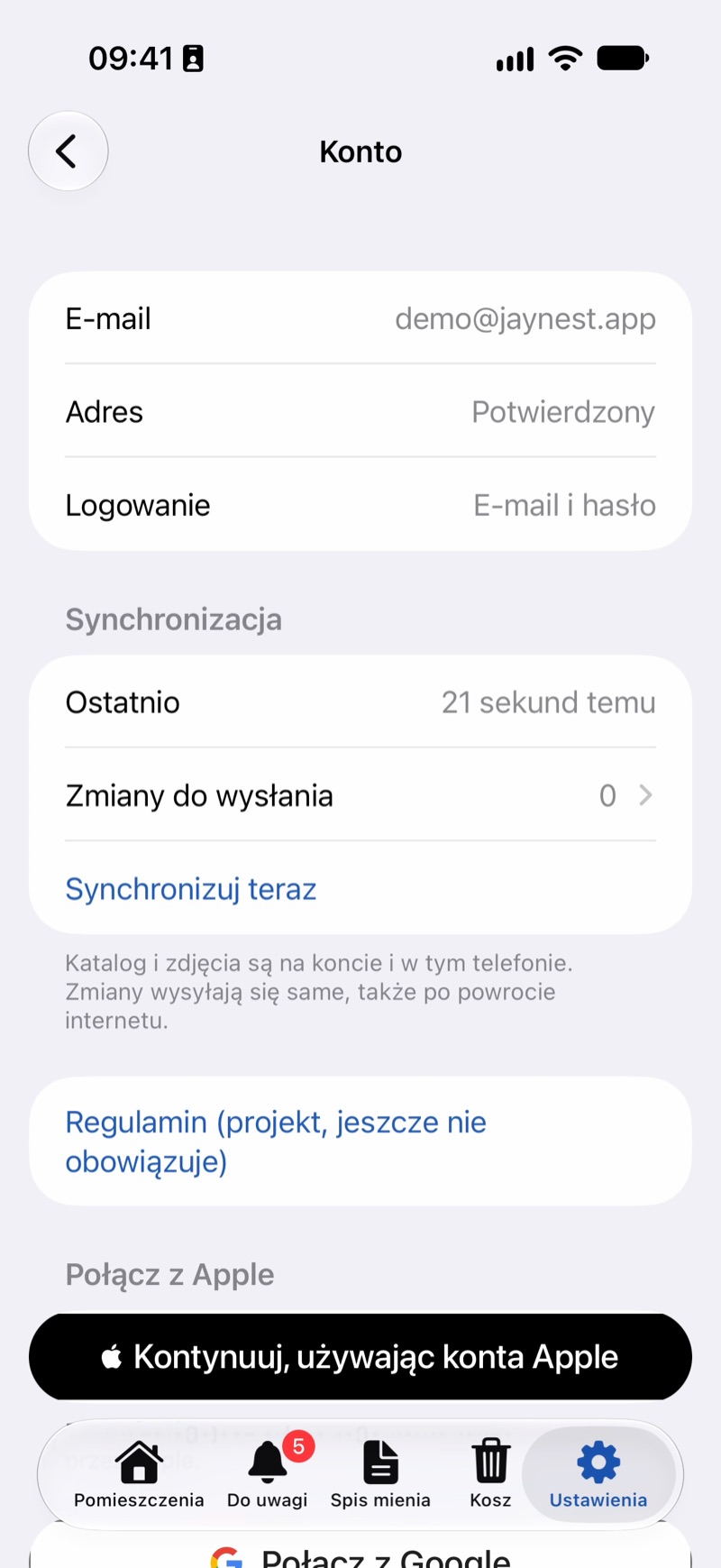
- If you already have an account, choose Sign-In and tap Sign In, or use Apple or Google just like when creating the account.
- After you sign in, the catalog from your phone goes to your account. If both the phone and the account already have data, you'll be asked: This Account Already Has a Catalog. Merge Both keeps everything from both places, Replace Phone Data removes the items on the phone and downloads the catalog from the account (the app asks once more), and Not Now puts off the decision.
When you first launch the app, you can also tap I already have an account – sign in right away.
In the Browser
- Go to
app.jaynest.app. - Sign in with your email and password, or click Sign in with Apple or Sign in with Google.
- If you don't have an account yet, click Create Account below the form.
The web app works only with an account, because it shows the catalog stored on the server.
Good to Know
- Sign Out keeps your data on the phone, but it stops syncing. Changes made in the meantime are sent when you sign in to the same account again.
- Delete Account erases the account and the catalog from the server, including from your other devices. The data on your phone stays (Data export and deleting your account).
- Exactly where your data is kept is explained in Where is my data.