 JayNest
The Short Code Below the QR Code: What It's For and How to Search for It
- iPhone and iPad
- Browser
Below the QR code on a label is a short 5-character code, such as K7QXB. You can read it without a phone, and when the camera can't scan the label, you enter the code and open the same box.
On iPhone
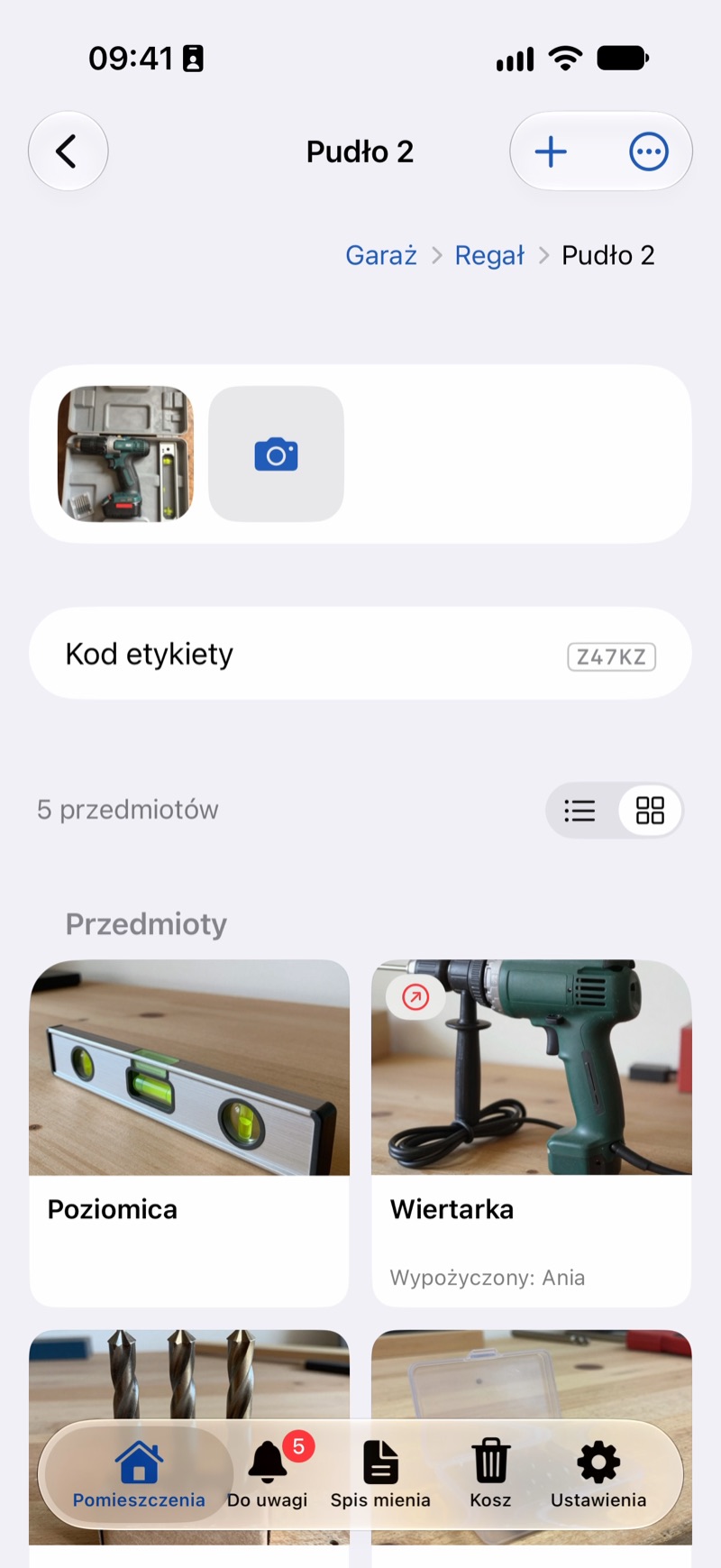
- The code is assigned automatically the first time a label is printed or shared. You can see it on the label, next to the row in a list, on the container's screen (Label Code) and on an item's QR Label tile.
- To open something by its code, tap Scan Label on the Rooms screen, then Enter Code. Enter the code from the label and tap Open.
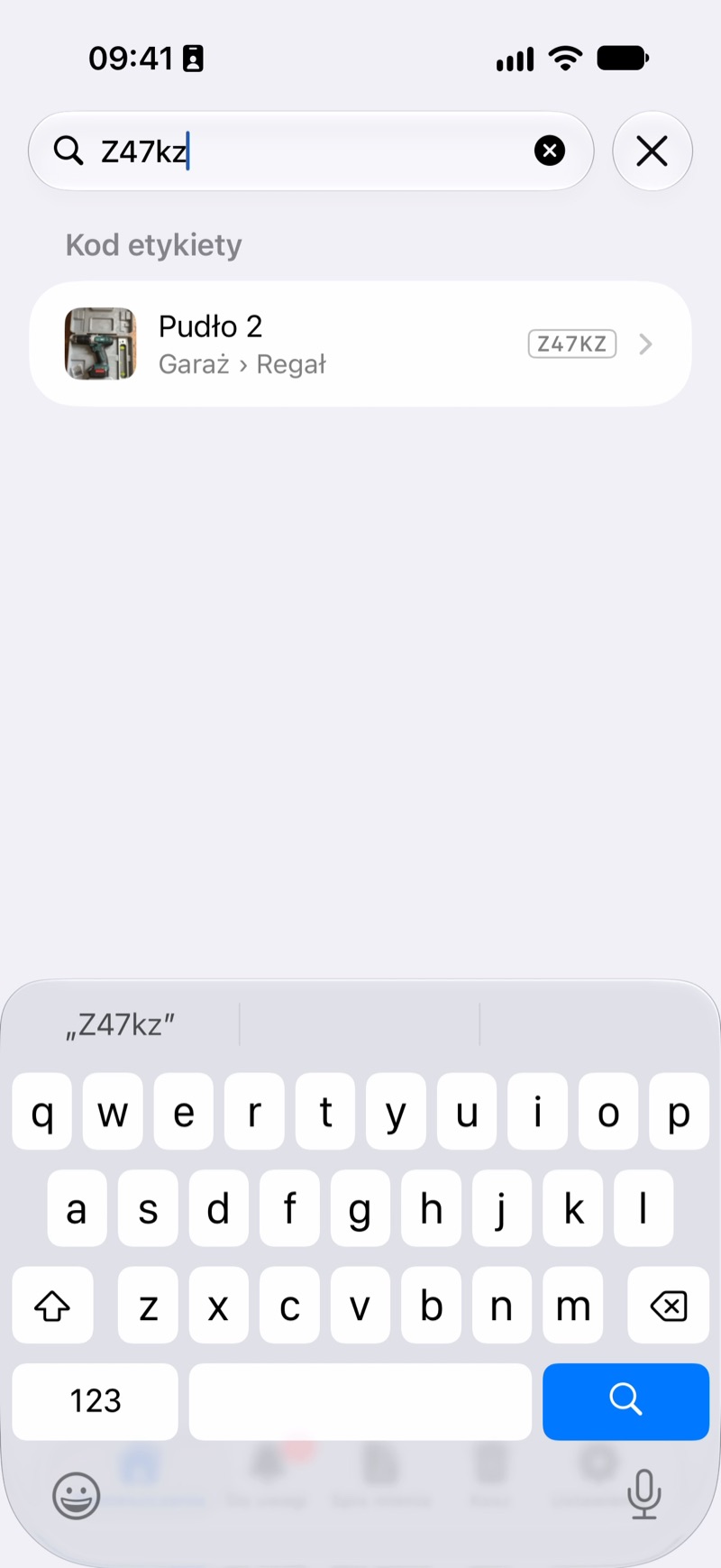
- You can also type the code in search. Uppercase or lowercase, spaces and dashes don't matter, and the thing with exactly that code is at the top, under Label Code.
In the Browser
- The code is next to a container's name, next to rows in lists and on an item's QR label card.
- Type the code in the Search the catalog field. Uppercase or lowercase, spaces and dashes don't matter.
Good to Know
- The code is made of the digits 2 to 9 and consonants. It has no vowels and no 0 or 1, so O can't be mistaken for 0, or I for 1.
- The code is random: you can't choose it or type your own.
- If something has no code, its label hasn't been printed yet.
- If two devices without internet assign the same code, after syncing the app warns you on that thing's screen and offers Assign New Code. Then print a new label and stick it over the old one. The QR code on the old label still opens the right thing.