 JayNest
Scanning a Label: in the App, with the Camera and Without the App
- iPhone and iPad
- Browser
You scan a label in JayNest or with your phone's regular camera. Either way, the box opens with its full path.
On iPhone
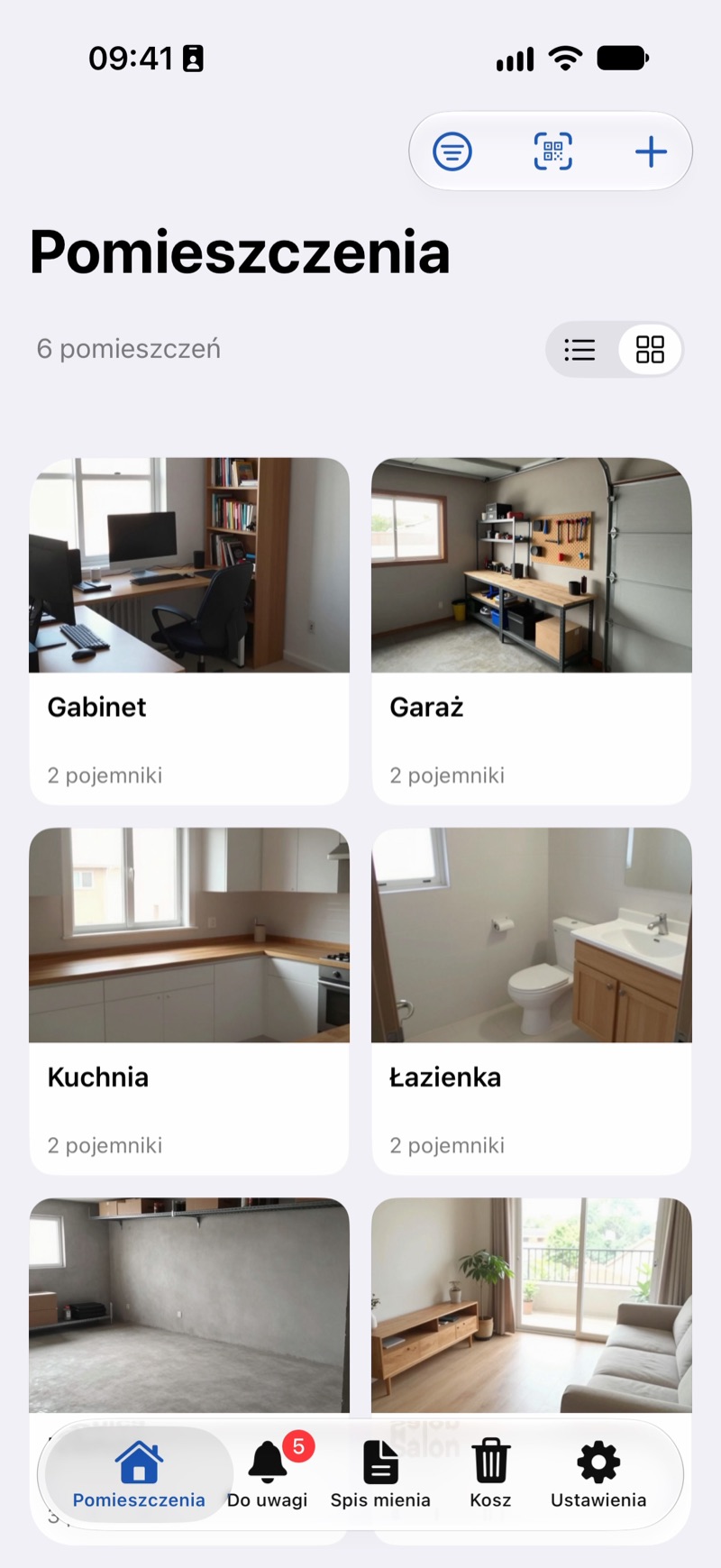
- In JayNest: on the Rooms screen, tap Scan Label (the QR code icon at the top) and point the camera at the label. The box opens as soon as the camera recognizes the code.
- With the regular Camera app: point it at the code and tap the jaynest.app link that appears on the screen. JayNest opens.
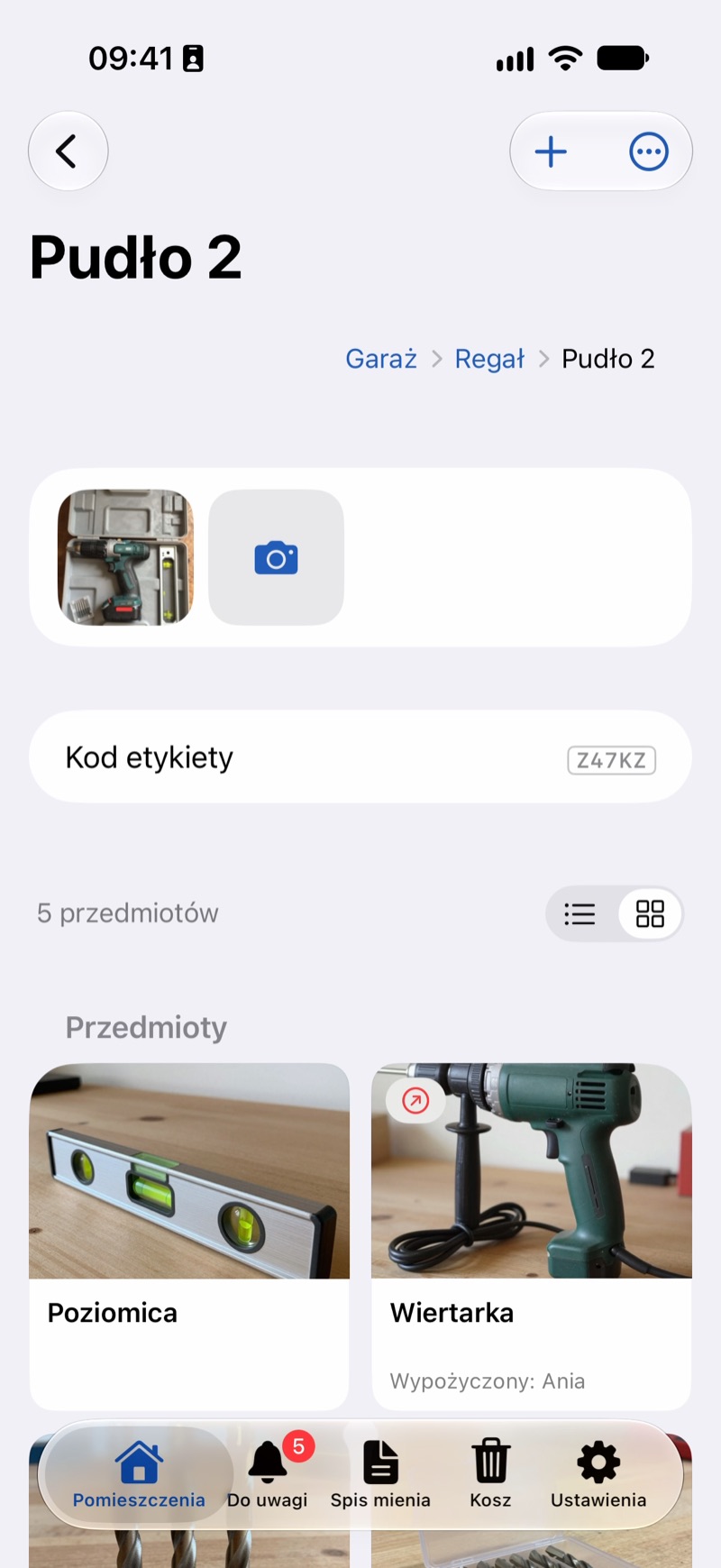
- If the label is damaged or poorly lit, tap Enter Code in the scanner and enter the short code below the QR code (The Short Code Below the QR Code).
In the Browser
You can't scan a label on a computer, but you can type its short code in the Search the catalog field in the web app.
Someone who doesn't have JayNest and scans a label sees only a page in the browser that says This is a JayNest label. The contents of the box aren't there.
Good to Know
- What's in a box isn't public: the label shows it only in the JayNest app that has that box.
- A label keeps working after you move or rename the box, because it leads to that particular box, not to a place (I Moved a Box). The name printed on the label stays the old one, though, so after renaming it's worth printing a new label.
- If you scan a label that isn't in your catalog (for example, someone else's, or one for something in the trash), the app shows Code Not Recognized.