 JayNest
Moved a Box: Does Its Label Still Work?
- iPhone and iPad
- Browser
Yes, it does. The label points to the box itself, not to the place where it stands. Just move the box in the app, and scanning the same sticker shows the new path.
On iPhone
- Move the box in the app: swipe its row to the left, tap Move and choose the new place (Moving Things and Place Suggestions).
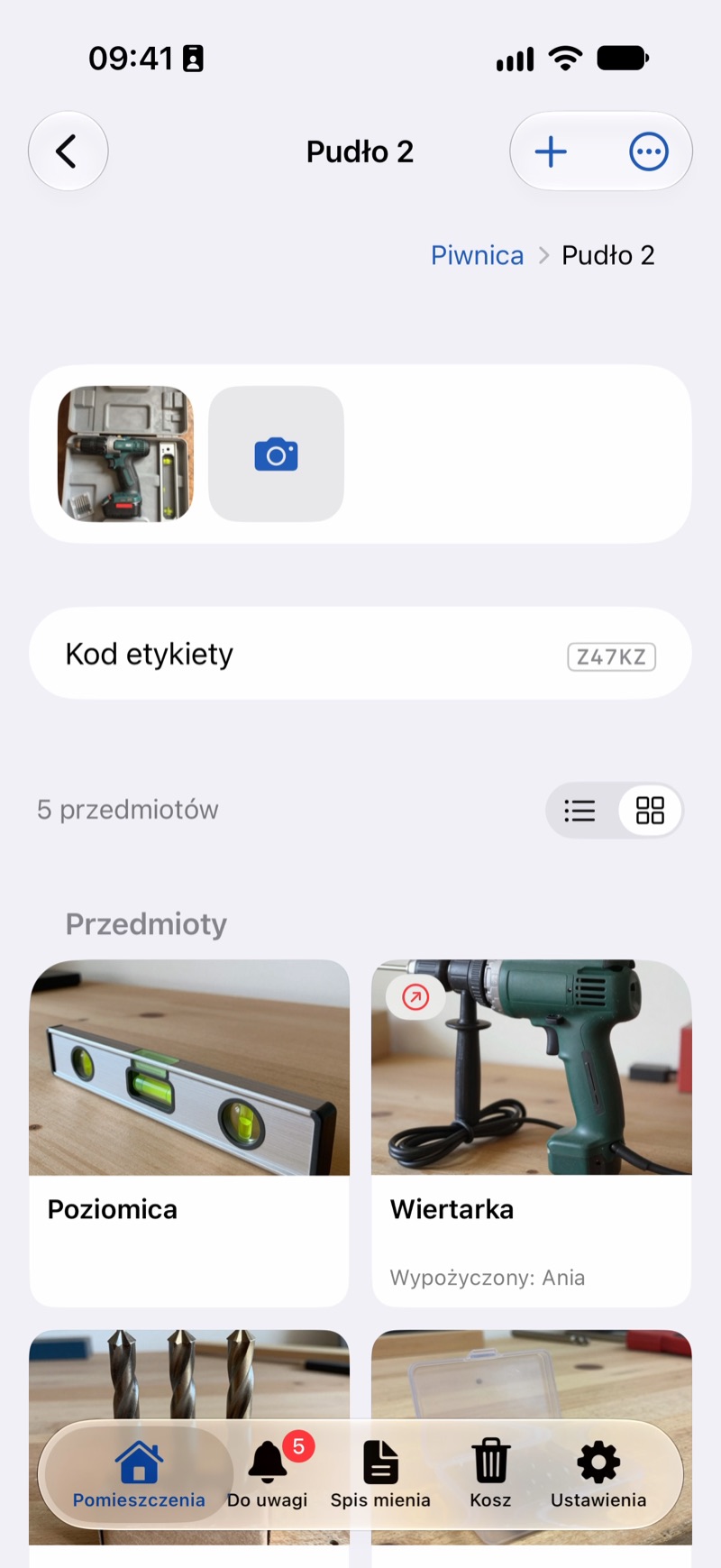
- Scan the label: in the Rooms tab, tap Scan Label, or point the regular Camera app at it (Scanning a Label).
- The box opens in its new place, with the full path from the room and everything inside.
In the Browser
- On the box's page, click … next to its name, choose Move and click the new place. You can also drag the box's row onto another container or onto a step of the path at the top of the page.
- You can't scan a label in the browser, but you can type the short code printed under the QR code into the search. The result shows the box in its new place (The Short Code Under the QR Code).
Good to Know
- The label also keeps working after you rename the box. Everything inside moves with it, so there's nothing to fix by hand.
- While the box is in the Trash, a scan says the code isn't assigned to any container or item. Once you restore the box, the same label works again (Trash: Restoring and Deleting Forever).
- You only need a new label for a new box, for example when the old one was deleted for good and created again (How to Print a Label for One Box).