 JayNest
Receipt Photo: Purchase Date, Price and Store
- iPhone and iPad
- Browser
A photo of the receipt with an item fills in the purchase date, the price with its currency and the store, so you don't have to type them. The phone recognizes typical English, German and Japanese receipts, as well as Polish fiscal receipts.
On iPhone
- In a new item, add a photo of the receipt, together with photos of the item or on its own (Add → Take Photo).
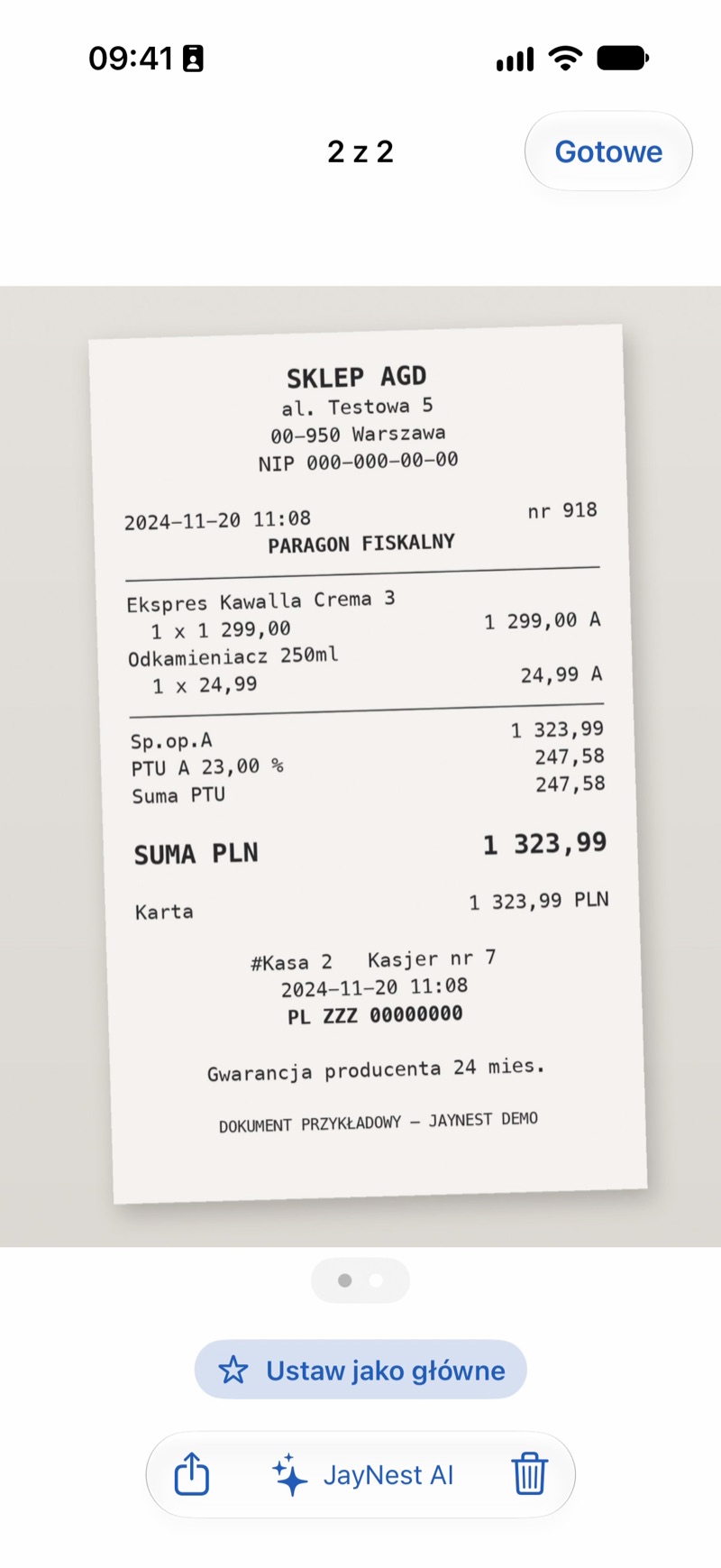
- The app fills in the empty purchase date, price with currency and store. It takes the name and category from the other photos.
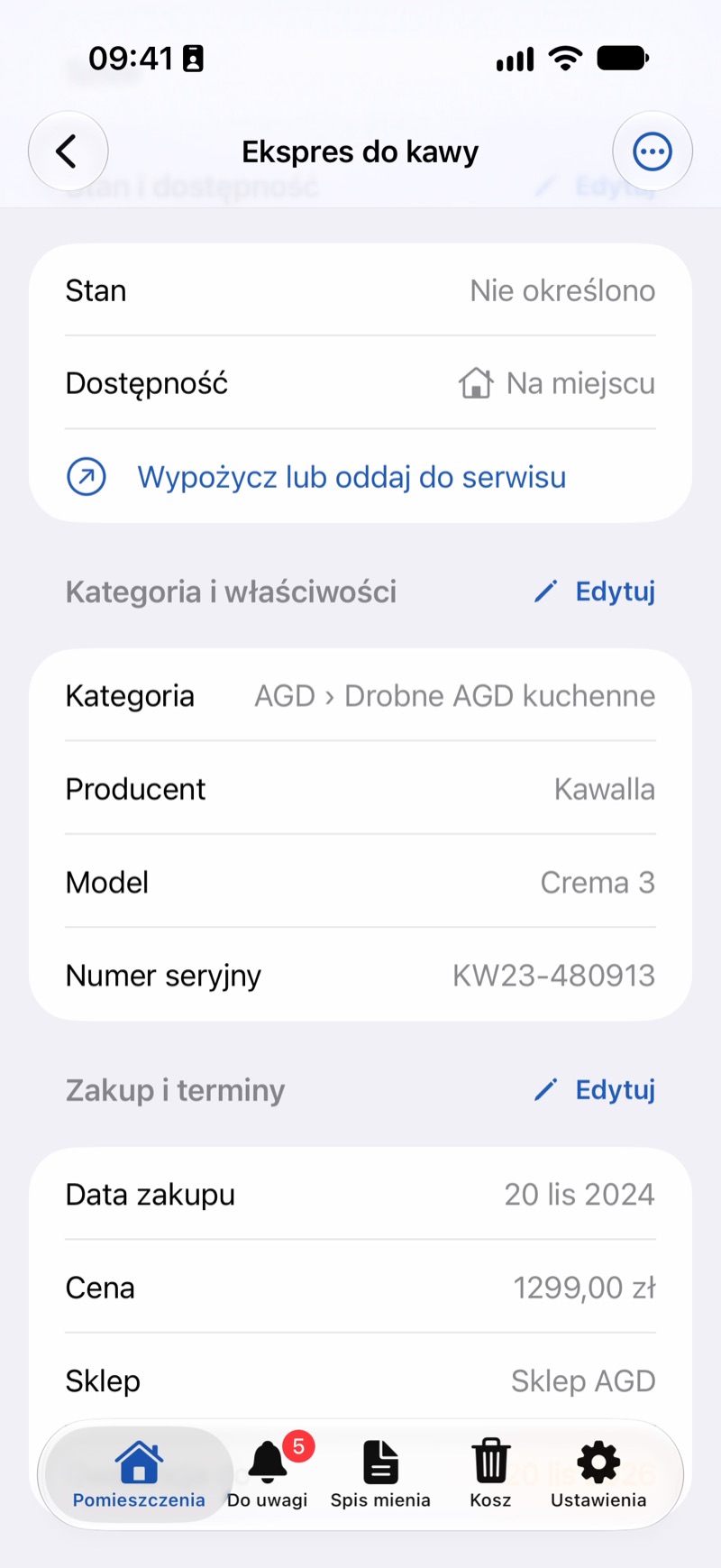
- If the receipt or invoice has several lines, Choose Receipt Line appears under the photos. Tap it and choose the line for this item: its price goes into the form.
- Check the amount and tap Add. The receipt photo stays with the item, so it won't get lost or fade.
For a saved item, add a photo of the receipt and, when asked Recognize What's in the Photo?, tap Recognize. In the From Photo list, select the Purchase Date, Price and Store suggestions and tap Add.
If you use JayNest in Polish, the line can also be picked by Bielik, a Polish language model that runs on the phone. It's downloaded in the recognition settings (about 5 GB) and needs an iPhone with at least 8 GB of memory (iPhone 15 Pro, iPhone 16 or later).
In the Browser
In the browser, receipts are read only by JayNest AI, if you have access to it. Add a photo of the receipt in the item form, click Recognize with JayNest AI, then select the Purchase Date, Price and Store suggestions and click Add.
Good to Know
- The phone takes the price on its own when the receipt has a single line. With several lines on a saved item, you get the date and store, and you enter the price yourself. JayNest AI and your own AI model pick the item's line themselves.
- The phone recognizes the store only from a list of well-known chains, such as Walmart, Target or Best Buy.
- Bielik works offline: the receipt never leaves your phone, and the model gets only the lines with prices, without the buyer's details.
- The receipt photo is your own note with the item. It doesn't replace the original, so it's worth keeping the receipt too.
- You enter the end of the warranty yourself in the item (Item details).